FAQ
Applies to v1.7+ · ~5 min read · Troubleshooting
What do I import every day?
Import the day's jobs. Vehicles and saved mappings carry over unless your fleet or file layout changes.
Why are jobs unassigned?
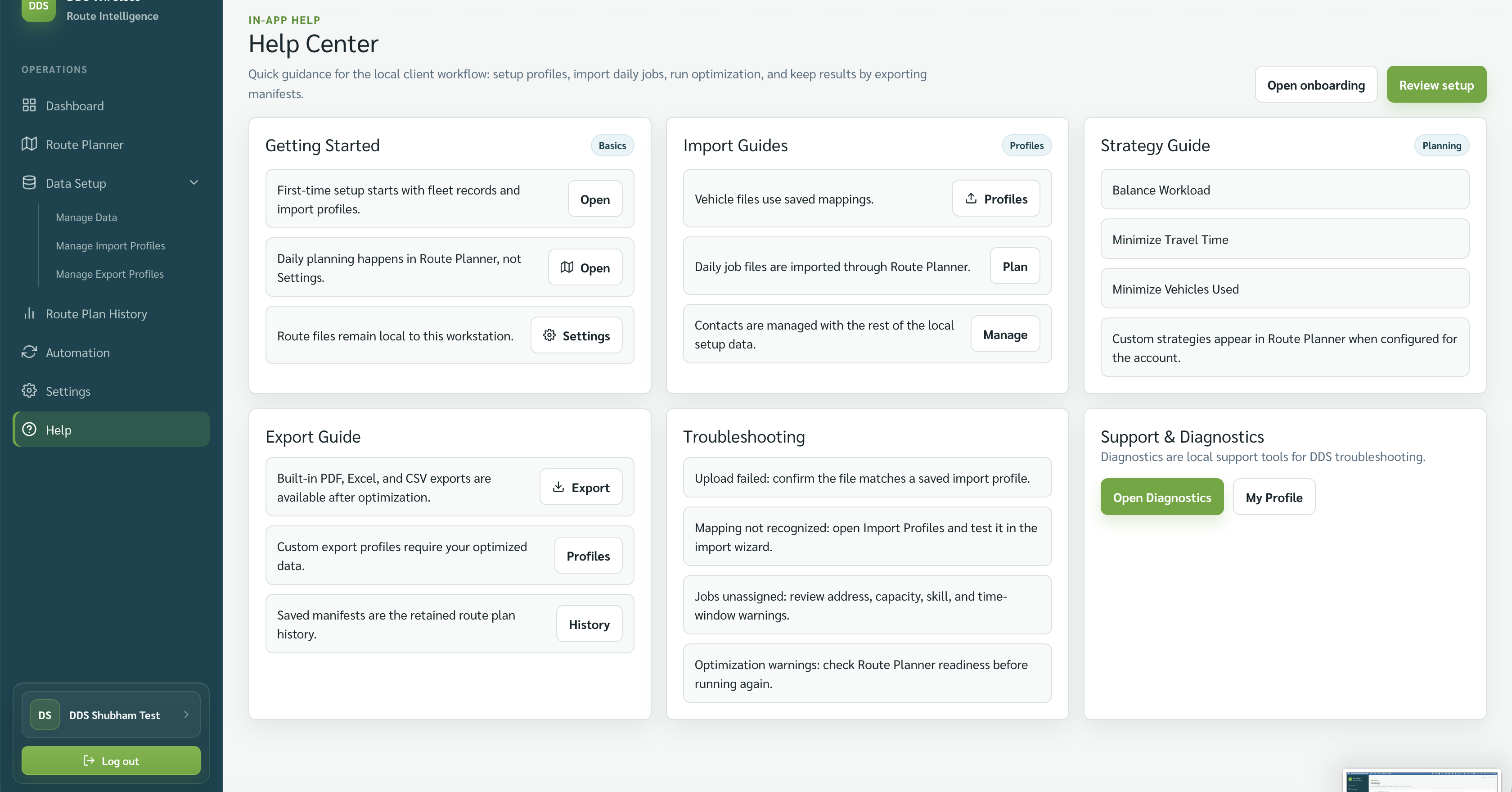
Select View reasons on Review Route Plan. Check start locations, time windows, capacity, skills, and shifts.
Which strategy should I choose?
Use Minimize Travel Time for least total driving, Minimize Vehicles Used for the smallest active fleet, or Balanced Workload Among Vehicles to spread work.
Where are past manifests?
Open Route Plan History, select a route plan, and review Exported Manifests.
How do I change a loaded job?
On Import & Validate Jobs, open Manage Jobs to edit, copy, delete, or add a job.
How do I check the app version?
Open Settings and read App version in Workstation.
Where do I start when I need help?
Open Help for the in-app Help Center, or open Settings to access logs and diagnostic tools.
Related: Quick start: your first route plan · Daily planning workflow · Logs and diagnostics