Import guides
Applies to v1.7+ · ~3 min read · Import guides
Prepare vehicles and jobs, keep reusable mappings, and manage the records used by planning.
In this section
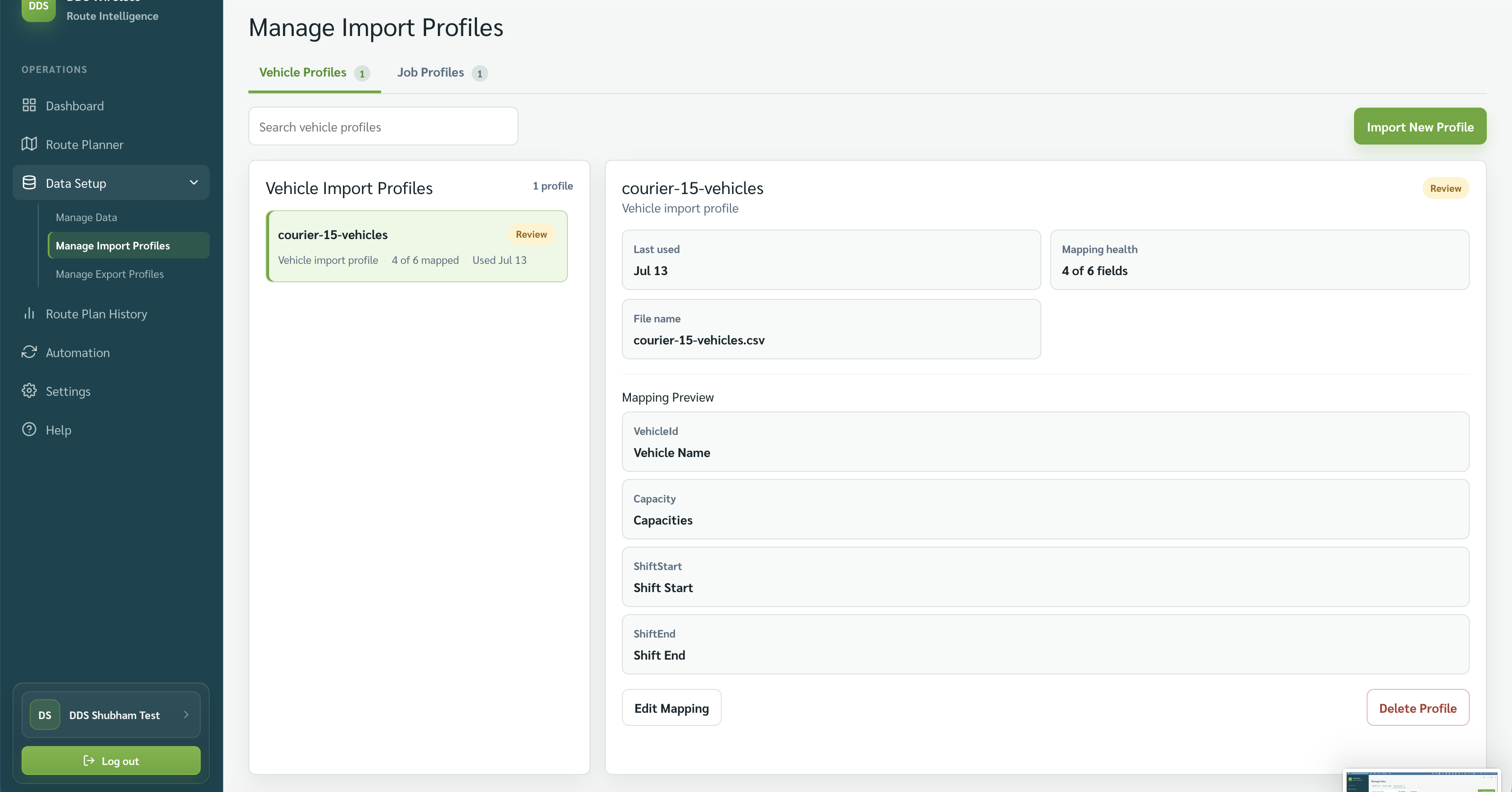
- Import your vehicles — Map a fleet file, verify the vehicle preview, and save the vehicle mapping for reuse.
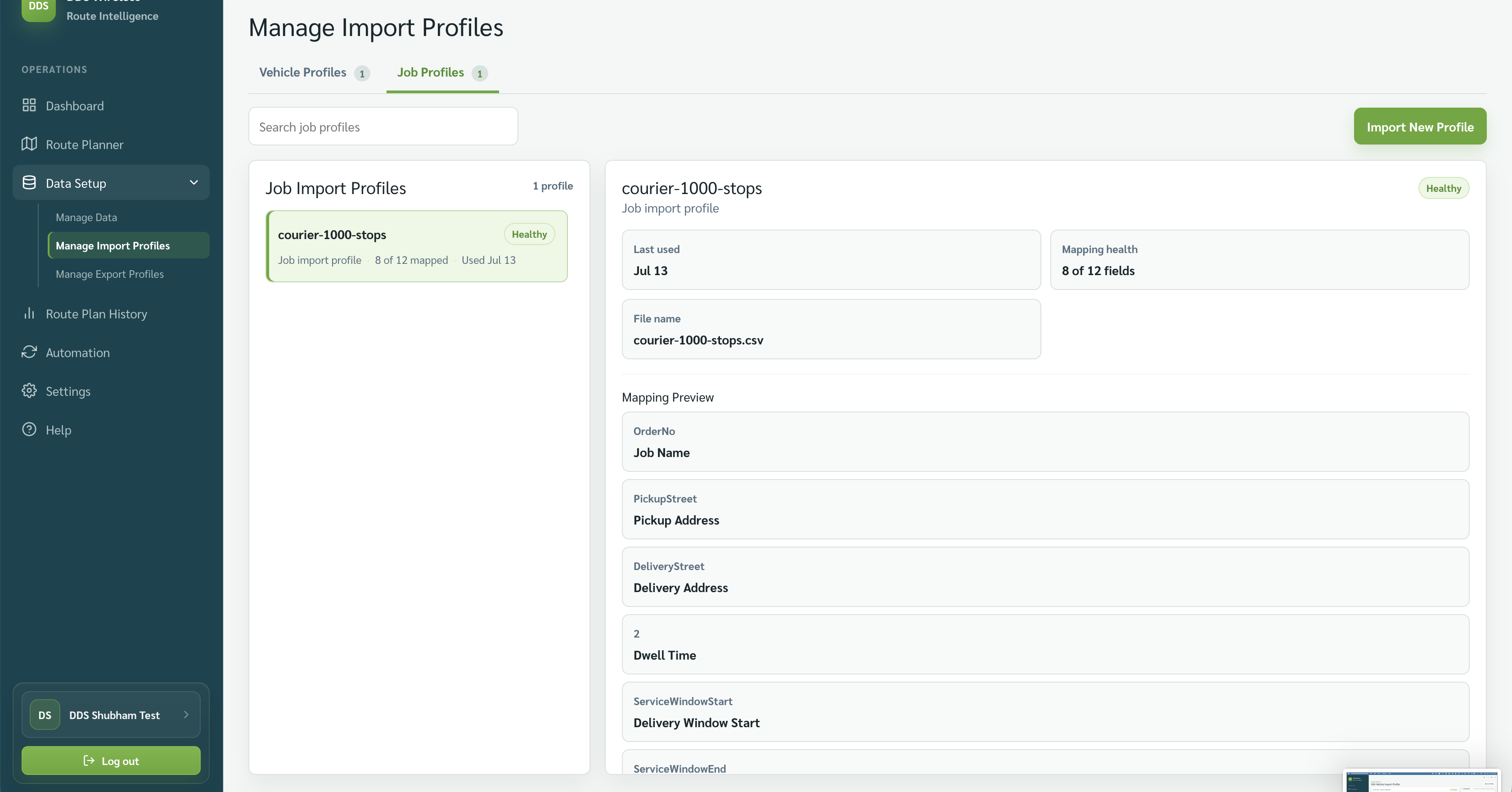
- Import your jobs — Map a representative job file, verify required addresses, and load today's work.
- Saved mappings — Review and maintain the saved vehicle and job mappings used by repeat imports.
- Manage vehicles — Create, review, edit, disable, or delete the vehicles available to Route Planner.
- Manage contacts — Maintain the people and location records associated with operational work.
- Recurring jobs — Set up jobs that should be added automatically on matching planning dates.
- Vehicle file reference — Prepare vehicle names, capacities, shifts, skills, and locations for a reliable import.
- Job file reference — Prepare pickup, delivery, service-window, dwell-time, and capacity fields for job import.
Related: Home · Browse by type