Troubleshooting
Applies to v1.7+ · ~3 min read · Troubleshooting
Understand warnings, correct common data problems, and find the right recovery step.
In this section
- Upload failed or mapping not recognized — Recover when a file will not load or required columns are not mapped.
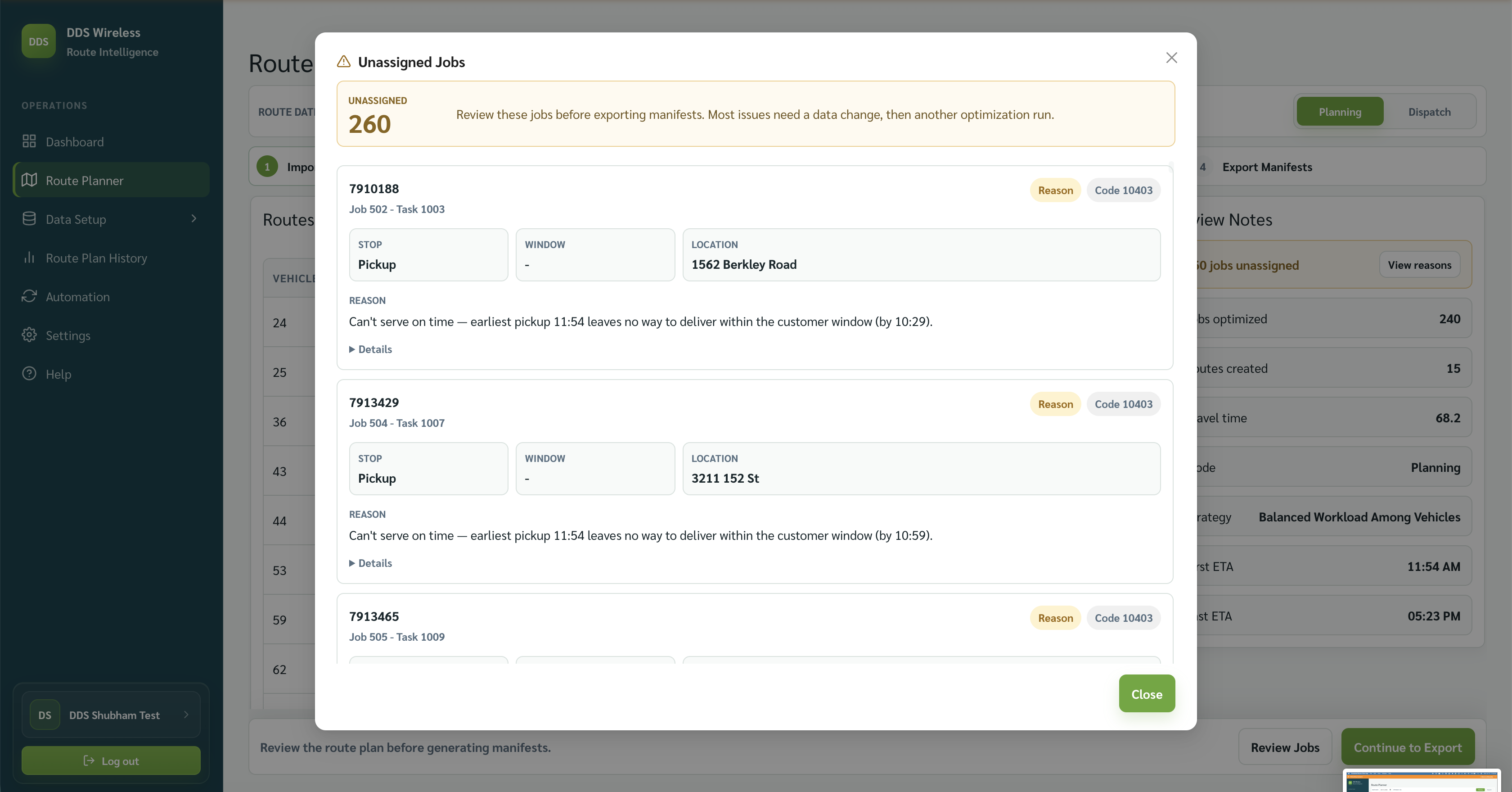
- Jobs unassigned warnings — Read the Unassigned Jobs window and correct the planning constraint shown for each job.
- Optimization and readiness warnings — Resolve missing jobs, vehicle readiness, and other warnings before optimization.
- Where did my data go? — Find vehicles, mappings, route plans, manifests, or jobs that are not on the current screen.
- Wrong times or units — Correct time-zone, date, service-window, capacity, or display-unit problems.
- Unassigned reason codes — Use the reason text and code recorded for work the optimizer could not place.
- FAQ — Get direct answers to the most common setup, planning, export, and support questions.
Related: Home · Browse by type