The route map
Applies to v1.7+ · ~3 min read · Plan routes
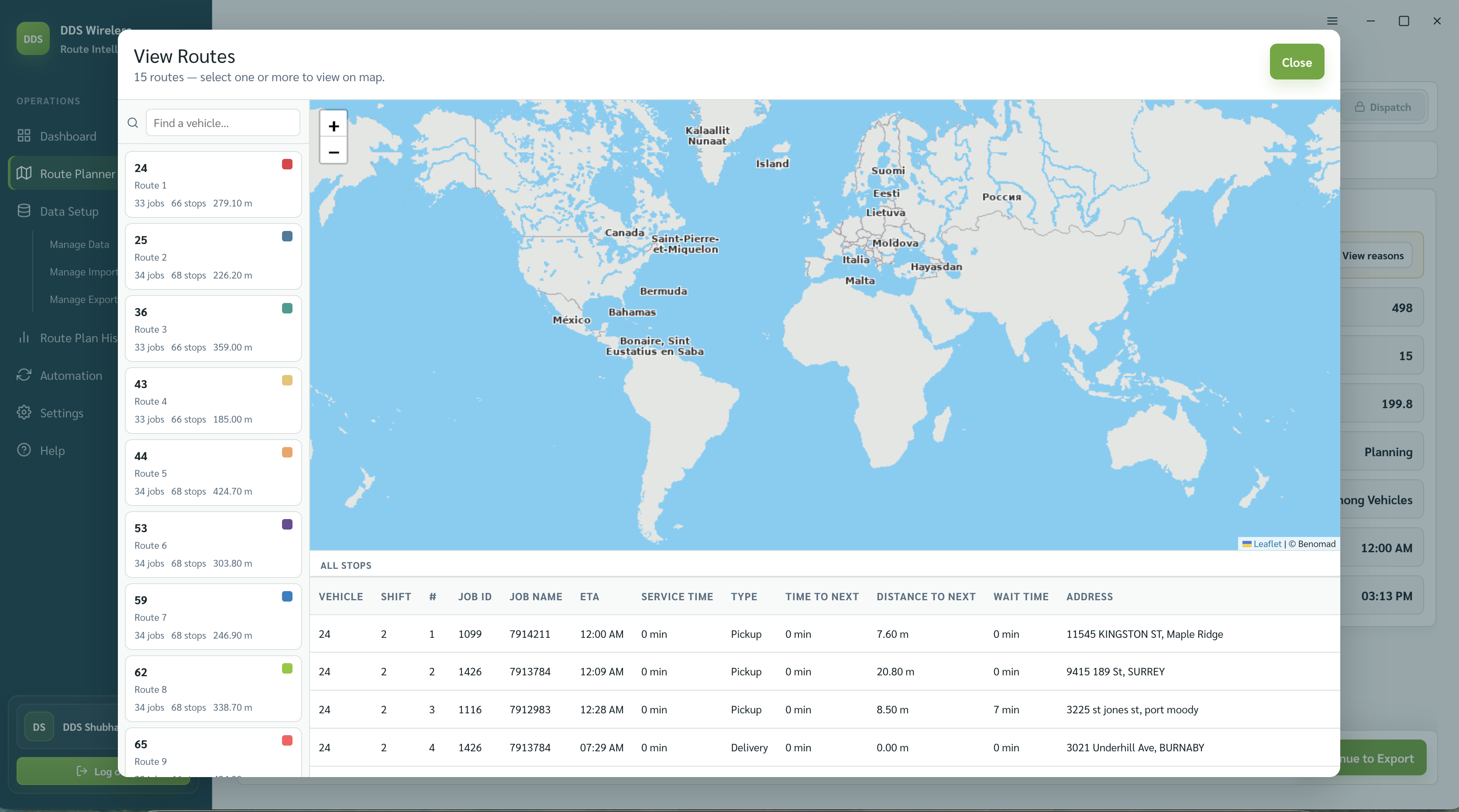
Use the route map to review the geographic shape of the optimized plan.
Open the map
- Complete optimization and open Review Route Plan.
- Select View Routes above the Routes table.
- Review the route paths and stop markers.
What to look for
- A stop far outside its expected service area.
- Two routes repeatedly crossing each other.
- A route that starts far from the vehicle's depot.
- A route whose final stop creates an unusually late ETA.
Return to the list to compare the map with the Routes table and Review Notes.
Choosing what to see
You can show one route, several, or all routes at once — use the vehicle list beside the map to pick which routes are visible, and select a route to see its stop detail.
Related: Review the route plan · Fix unassigned jobs · Manage vehicles