Getting started
Applies to v1.7+ · ~3 min read · Getting started
Learn the core ideas, complete first-time setup, and build your first route plan.
In this section
- What is Scheduled Routes? — See what Scheduled Routes plans, what information it needs, and what it produces for dispatch.
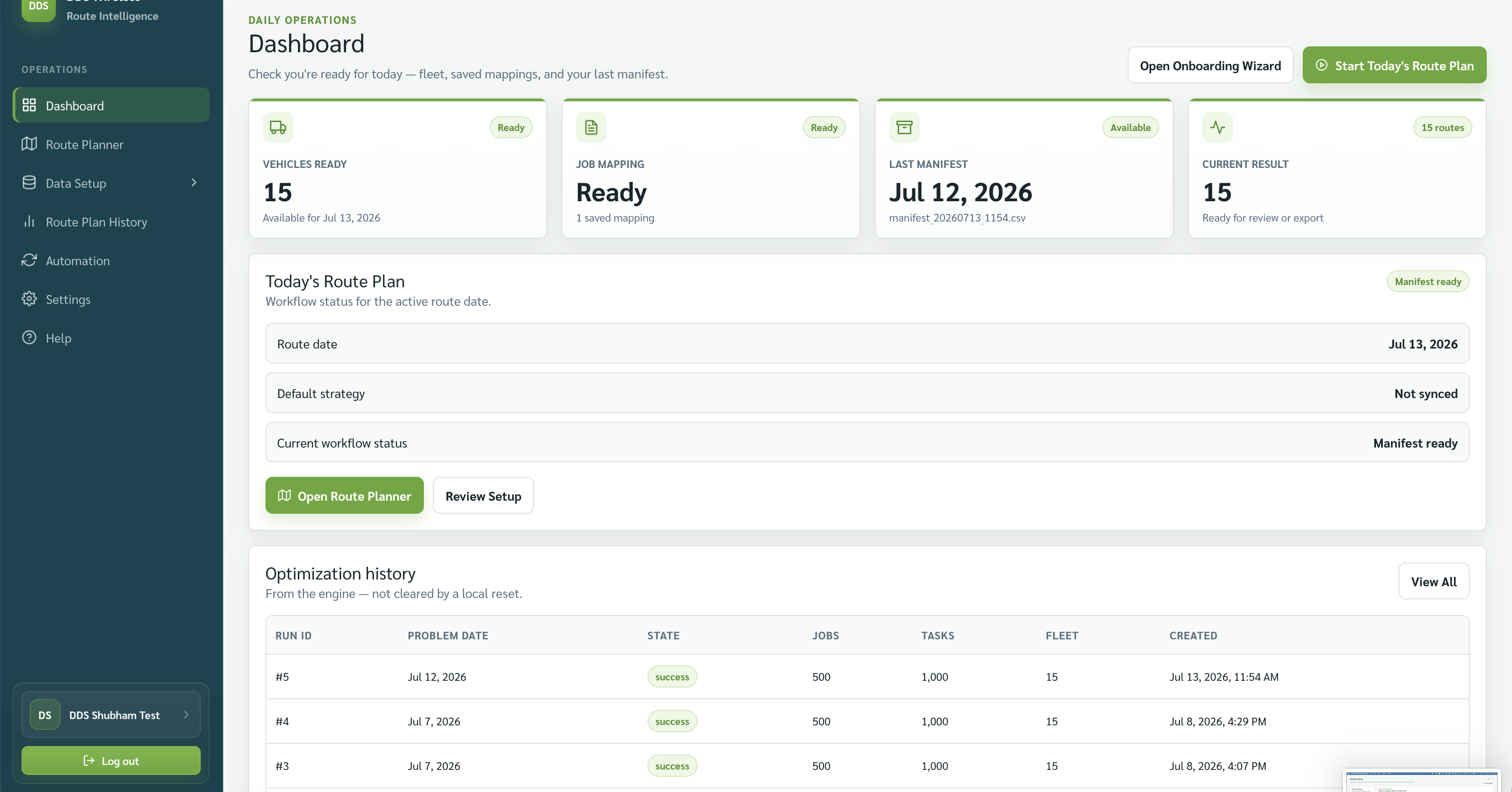
- Quick start: your first route plan — Import a fleet and daily jobs, optimize the work, and export your first driver manifest.
- Onboarding wizard walkthrough — Complete the four onboarding stages from Setup Data through Finish.
- Key concepts — Understand jobs, vehicles, route plans, strategies, manifests, and Planning and Dispatch modes.
- Glossary — Find plain-language definitions for the terms used in the app and these guides.
- Install and first launch (Windows) — Install the Windows app, sign in, and reach the first-time onboarding flow.
- Updating the app — Check the installed version and start the app's update check safely.
Related: Home · Browse by type