Your profile and password
Applies to v1.7+ · ~3 min read · Settings and support
View your account details or open the password-change flow from Settings.
Open your profile
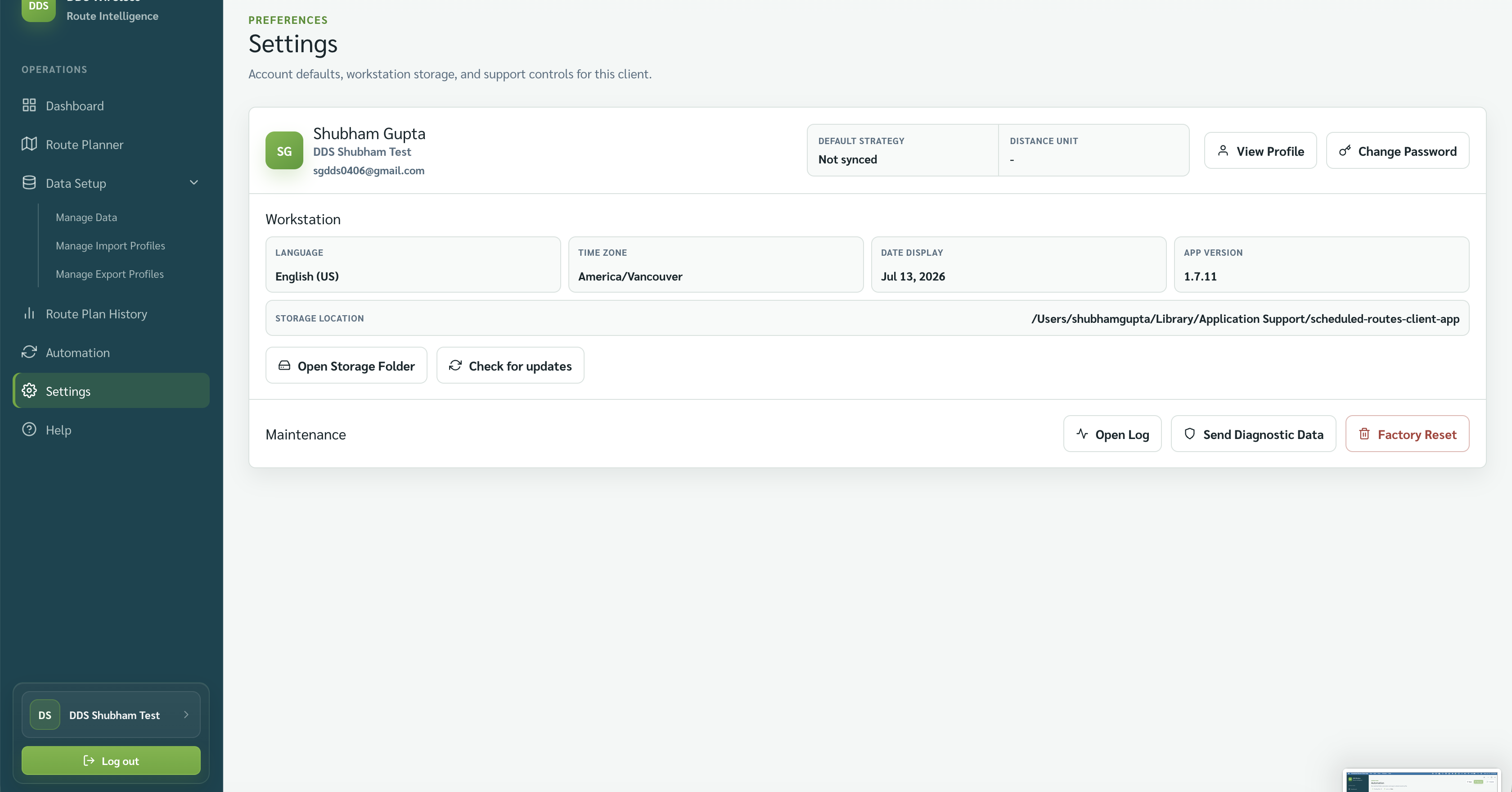
- Open Settings.
- In the account row, select View Profile.
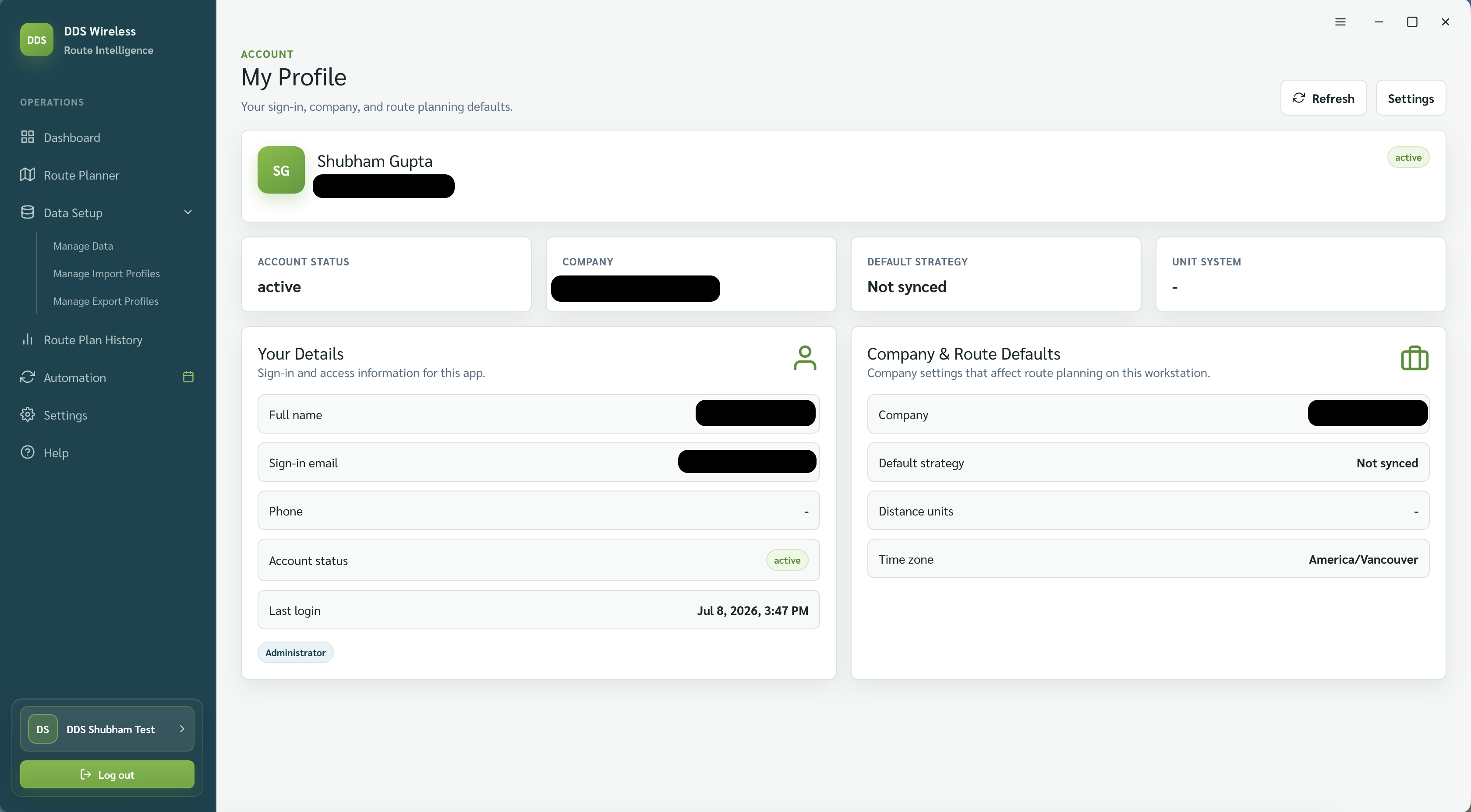
- Review your name, email, role, company, and last-login details.
Change your password
- Return to the account row in Settings.
- Select Change Password.
- Complete the password form and save.
Password rules
Changing your password does not require your current password, and there are no complexity rules — set whatever you want. Only the signed-in user can change their own password.
Related: Settings overview · Logs and diagnostics · Install and first launch